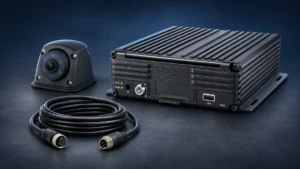
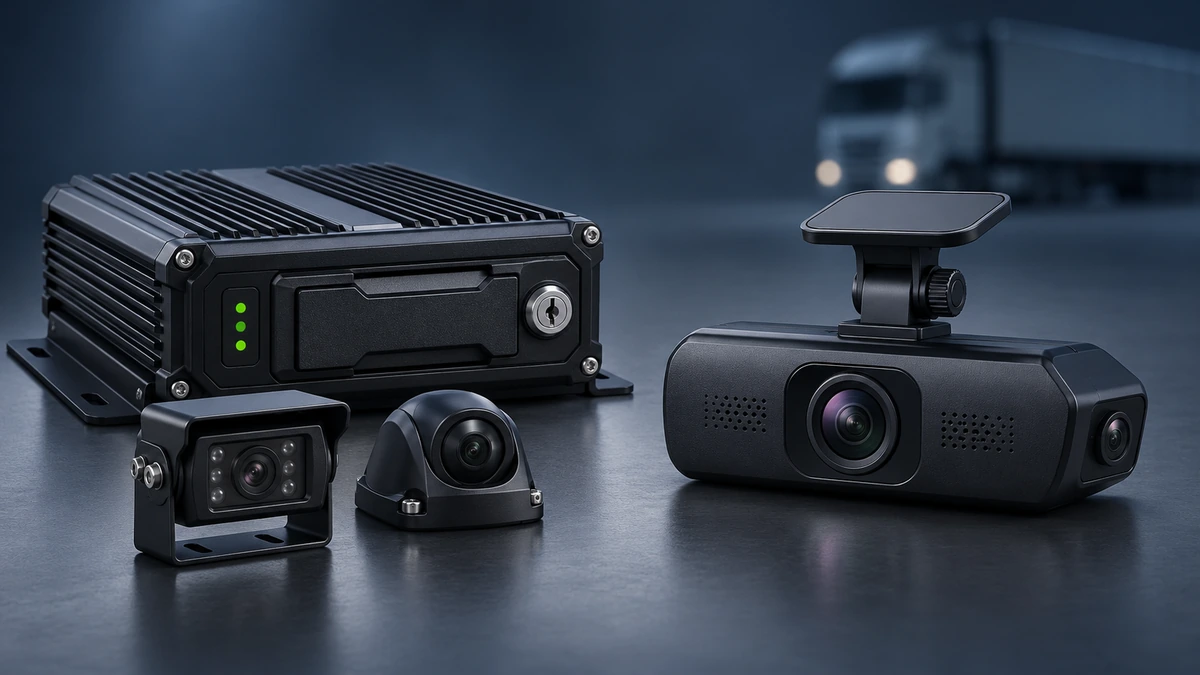
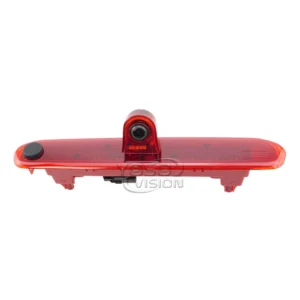
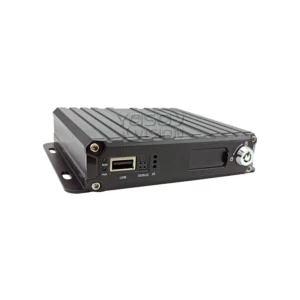
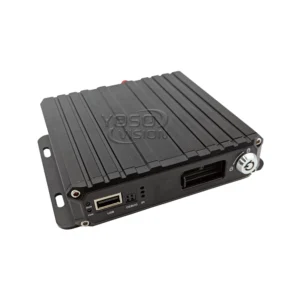
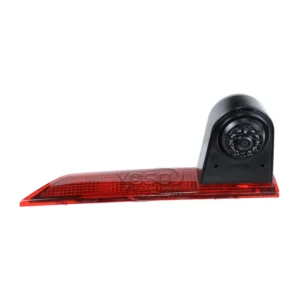
A 4G AI dash cam is a good fit when a fleet needs a road-facing view, driver monitoring and a few additional camera views. An 8-channel mobile DVR (MDVR) is usually a better fit when a truck or bus needs several views recorded together and footage kept on the vehicle for a defined period. Start with a camera layout and a recording plan. Then check which system can deliver the clips your fleet team will actually need.
For an introduction to the hardware, see how a mobile DVR works.
Mobile DVR vs AI dash cam at a glance
| What to compare |
4G AI dash cam |
8-channel AI mobile DVR |
| Typical use |
Forward video, driver monitoring and selected extra views on vans or trucks. |
Multiple exterior and interior views on trucks, buses and other commercial vehicles. |
| Camera layout |
Starts with a dash cam in the cab. Confirm the number of external inputs available with driver monitoring enabled. |
Uses a separate recorder and a camera harness. Confirm the recording channels and AI camera connections for the quoted configuration. |
| Local storage |
Check supported media, capacity and recording hours with all requested views active. |
Look for higher-capacity storage when several cameras must record throughout a shift. |
| Remote access |
Confirm which events, clips and live views are available in the fleet platform. |
Confirm which channels can be viewed remotely and downloaded together for an incident review. |
Map the camera positions before choosing a recorder
List each view the operator needs and decide whether it will be recorded continuously, displayed to the driver or used to generate an alert. Some cameras may serve more than one purpose.
| Example vehicle |
Views to record |
Question for the supplier |
| Delivery van |
Road ahead, driver and rear. |
Can the dash cam record all three views while driver monitoring is active? Does the driver-facing camera use an external input? |
| Rigid truck |
Road ahead, driver, left side, right side, rear and cargo area. |
Can the recorder export the same time window from all six views? Which inputs support the required AI alerts? |
For existing cameras, confirm the video format, resolution and connector pinout before ordering. Two cameras with matching plugs may use different video formats or wiring. If you already have AHD cameras installed, include their model numbers on the quote request.
Estimate how long the vehicle can keep recordings
Add the average recording bitrates of all active cameras. Use that total to estimate local video storage in decimal gigabytes.
Storage in GB ≈ total average bitrate in Mb/s × recording hours per day × retention days × 0.45
Worked example. Six cameras averaging 2 Mb/s each and recording 10 hours per day would use about 54 GB per day, or 756 GB over 14 days. The estimate covers video under those assumptions. Check actual file sizes during the pilot and leave capacity for bitrate variation, any audio recorded, protected event clips and the difference between advertised and usable storage.
Estimate SIM data separately. A fleet that streams live video throughout the day will use a different amount of mobile data from one that uploads only selected event clips. Check what the platform uploads automatically and what an operator can request from onboard storage.
Confirm which cameras generate AI alerts
In a camera-based fleet system, the advanced driver assistance system (ADAS) uses a supported road-facing view. A driver monitoring system (DMS) uses a view of the driver. Blind spot detection (BSD) monitors configured areas beside or around the vehicle. A side camera can provide a recorded view, while a supported BSD input can also generate alerts for a configured detection zone.
Ask for a channel map that identifies the camera type, recording resolution and available AI function on each input. Check whether the DMS module uses a dedicated connection or occupies one of the advertised external inputs. This determines how many camera positions the quoted hardware can cover.
Run these checks on one vehicle before a bulk order
- Verify camera placement. Check camera views on the actual vehicle. For a right-hand-drive cab, confirm the proposed DMS mounting position gives the system a clear view of the driver.
- Export a timed event. Find the same event across the required camera views. If the fleet requires video without audio, check the exported main-stream files for each channel covered by that policy.
- Check operation during a loss of 4G coverage. Confirm which views keep recording locally and which footage or event information the fleet platform can retrieve once the connection returns.
- Verify retention using the pilot settings. Measure a representative shift with the planned cameras and video settings. Check how the recorder handles protected clips and when it starts overwriting older footage.
Keep the firmware version, storage configuration, channel map and a sample export with the pilot record. Use them to check that the units supplied for the rollout match the configuration you approved.