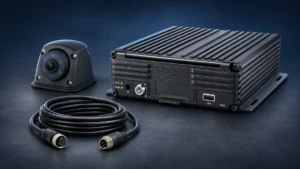
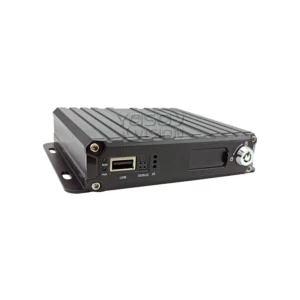
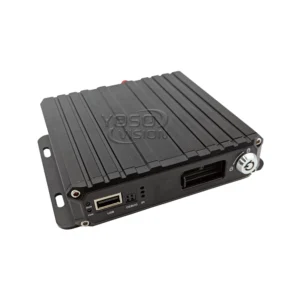
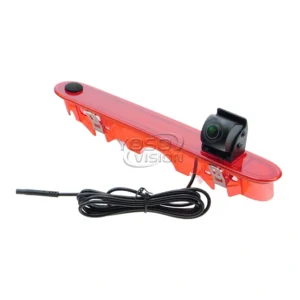
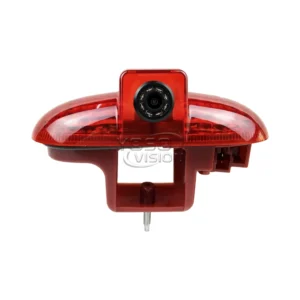
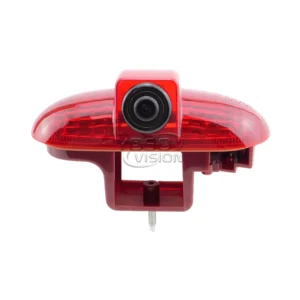
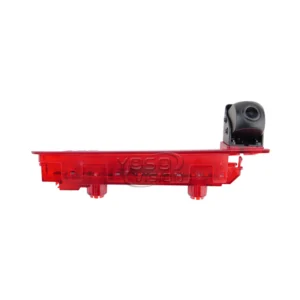
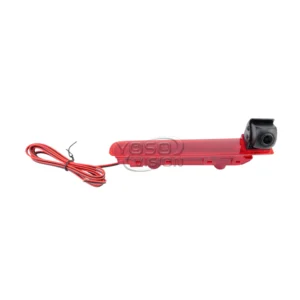
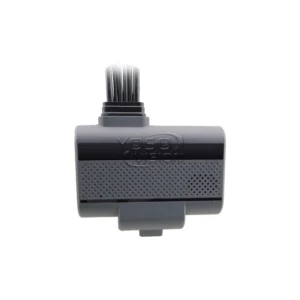
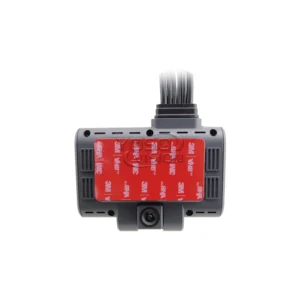
A school bus attendance system records when a student boards and exits, emails those updates to families and prompts the driver to check the cabin if recorded boardings outnumber exits at the end of the trip. Schools can specify a terminal that records attendance by facial recognition or by RFID card.
From the bus door to the parent’s inbox
A student checks in at the terminal by the bus entrance and checks out at the same terminal when leaving. On a morning route, that might mean boarding at a neighbourhood stop and checking out at the school. The terminal sends the attendance event over 4G to the management platform, where the transport team can review the boarding and exit records.
The platform sends an email to the registered parent or guardian for each recorded boarding or exit. Each message includes a link to a live map. The email confirms the student’s recorded event, and the map shows the school bus’s current GPS location while the vehicle is reporting its position. On an afternoon route, for example, a parent can open the boarding email and check where the bus is before heading to the stop.
Choosing facial recognition or RFID
Facial recognition matches a face scan to an enrolled student. An RFID-equipped terminal records the event when a student presents their assigned radio-frequency identification card. Both methods support boarding and exit emails with a live bus map link.
| Decision |
Facial recognition |
RFID card |
| At the door |
The student looks at the terminal to check in or out. |
The student taps an assigned card to check in or out. |
| School setup |
Approve the use of pupil biometrics and enrol students in the system. |
Specify the RFID reader, issue compatible cards and associate them with student records. |
| What to test |
Test scans under the lighting conditions at morning pickups and afternoon drop-offs. |
Rehearse the procedure for a forgotten, lost or damaged card. |
Schools should review local privacy requirements before enrolling students for facial recognition. In the EU, biometric data used to uniquely identify a person falls under the GDPR’s special-category rules. In England, the Department for Education has specific guidance for schools and colleges using pupils’ biometric data. If your project calls for card-based attendance, specify the RFID-equipped configuration and confirm how its camera is configured during the post-trip alarm, including whether face capture is enabled.
EU GDPR, Article 9 · England’s school biometrics guidance
How the child left-behind alert works
A child who falls asleep may miss their stop and have no recorded exit. A missed checkout can lead to the same difference in the attendance totals. The terminal flags the mismatch so the driver can resolve it with a physical check of the bus.
-
Ignition-off cabin check. When the driver switches off the ignition, the terminal compares boarding and exit totals for the trip. If the boarding total is higher, it plays a voice prompt asking the driver to walk through the cabin and check the seats.
“A student may still be on board. Please check the bus.”
-
Repeating in-bus alarm. Once the delay set in the platform has elapsed, the terminal enters its child left-behind alarm mode. It repeats a message at maximum volume asking any student still on board to approach the terminal and scan their face to request help.
“Attention. The post-trip alarm is active. If you’re still on the bus, go to the terminal and scan your face to ask for help.”
-
Immediate platform alert. During the alarm window, a face captured by the terminal triggers an alarm event. The terminal sends the event to the management platform immediately when the 4G connection is available.
-
Automatic shutdown. The operator sets the alarm duration in the management platform. The terminal shuts down automatically at the end of that period.
Keep the driver’s physical walk-through as part of every end-of-route inspection, and assign a member of the transport team to respond to platform alerts.
What to verify on a trial bus
-
Mount and test at the entrance. Check the mounting height and access for younger students. Confirm that the installation leaves the doorway and handrails clear.
-
Run a normal boarding and exit. Use two test events to check the platform record and open both parent emails on a phone. Verify the map updates while driving the actual route and confirm who can open the link.
-
Stage a missed checkout with an adult tester. Verify the ignition-off voice prompt, the configured delay, the repeating alarm, receipt of the face-triggered platform event and shutdown timing. Confirm that the vehicle supplies power for the full post-trip sequence.
-
Set access and retention rules. Agree which staff can view attendance and alarm records, and how long the school needs to keep them.
Plan a school bus attendance trial with YosoVision
Share your market, fleet size and preferred check-in method so we can discuss the terminal configuration and demonstrate the parent notification and post-trip alarm workflows.
View terminal specifications · Contact YosoVision